KUNLUN X5: The Wireless Gaming Mouse That Completes Your Gaming Setup
A great gaming desk setup is rarely built around one product. The monitor sets the view, the keyboard defines the rhythm, the lighting creates the atmosphere, and then there is the mouse—the piece of gear that stays under your hand through every game, every click, and every late-night session.
That is why choosing a gaming mouse is not only about performance. It should feel comfortable in daily use, respond precisely when you need it, and fit naturally into the rest of your setup.
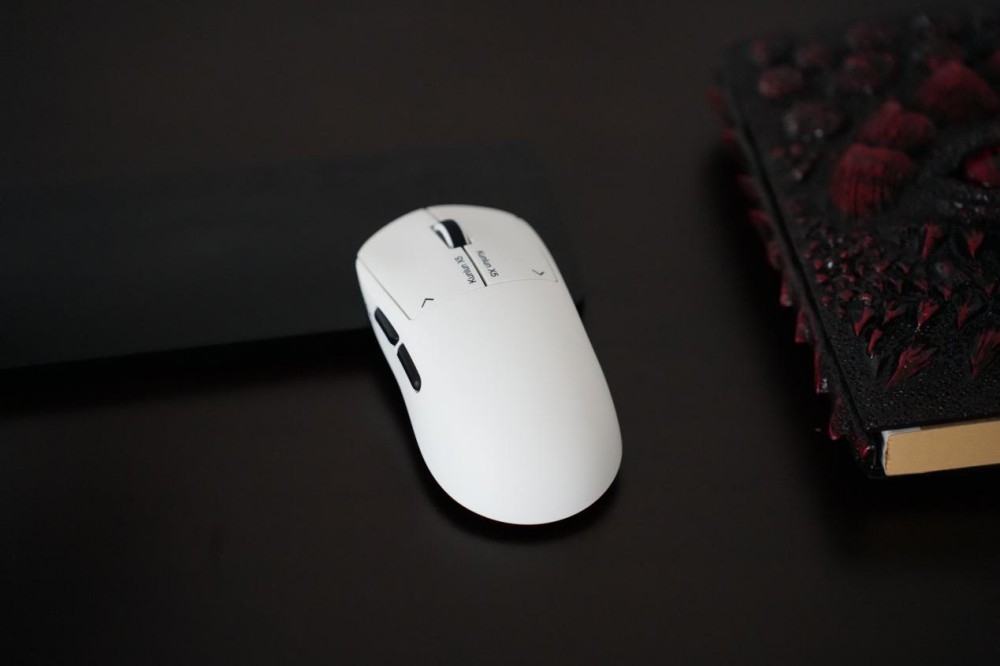
Meet the AULA KUNLUN X5, a wireless gaming mouse designed to bring advanced wireless connectivity, responsive control, refined click technology, and a distinctive design into one compact gaming peripheral. Whether you are building a competitive gaming station or a clean everyday desk, the KUNLUN X5 is designed to become part of the setup rather than simply sit on it.
Your Gaming Desk Is Part of the Experience
A gaming desk is more than a collection of hardware. It is where you spend your evenings, discover new games, talk with friends, work on projects, and turn a quick gaming session into several hours without noticing.
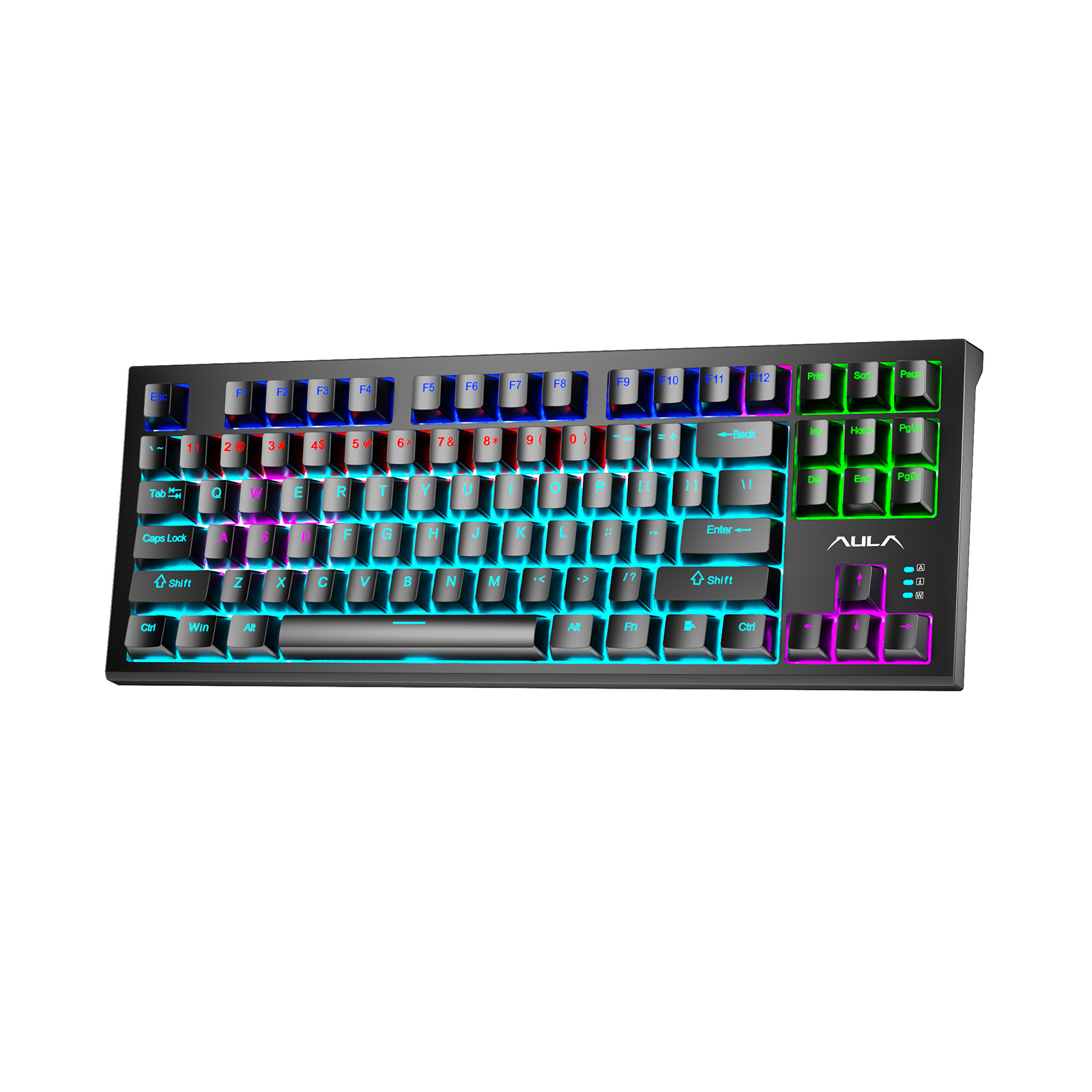
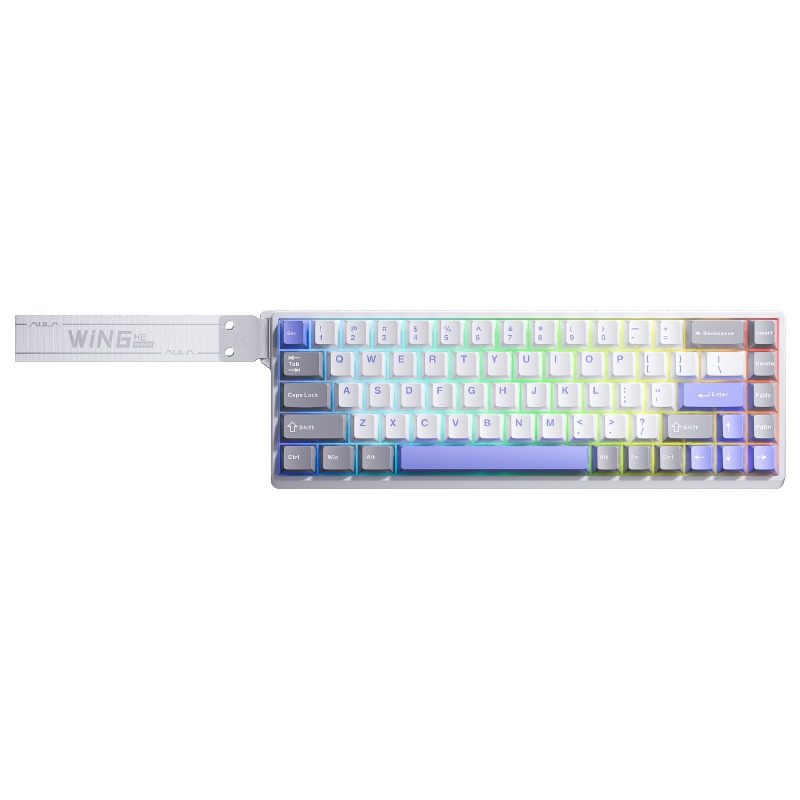
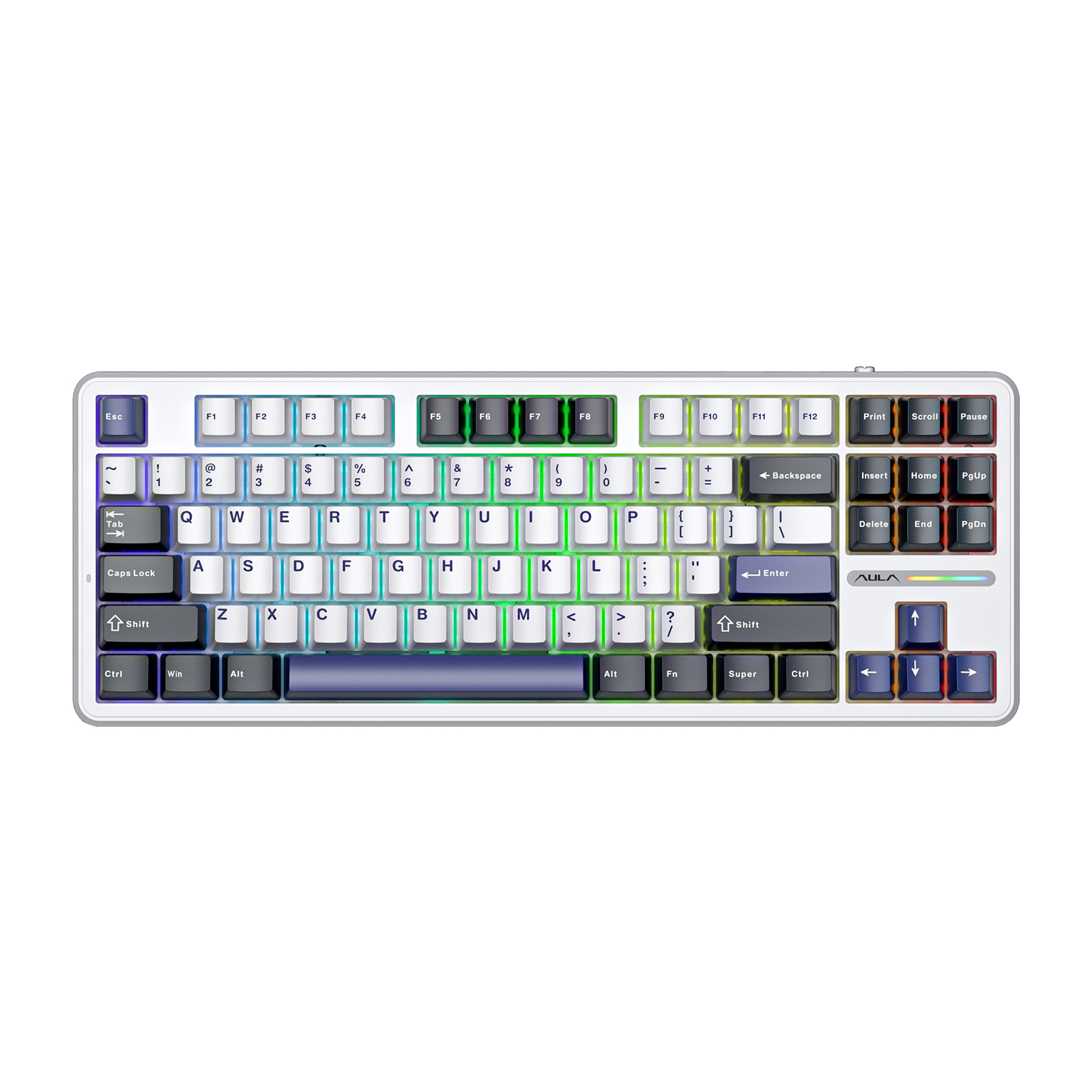
Over time, every item becomes part of that experience: the mechanical keyboard you reach for without thinking, the headset beside the monitor, the desk mat underneath your hands, and the wireless gaming mouse that follows every movement. This is why a well-designed gaming mouse setup needs more than individual high-performance products. The hardware should work together visually and functionally. The KUNLUN X5 follows that idea by combining performance-focused hardware with a clean design that works naturally across different gaming desk styles.
A Gaming Mouse Designed to Belong on Your Desk
A mouse occupies a unique position in a gaming desk setup.
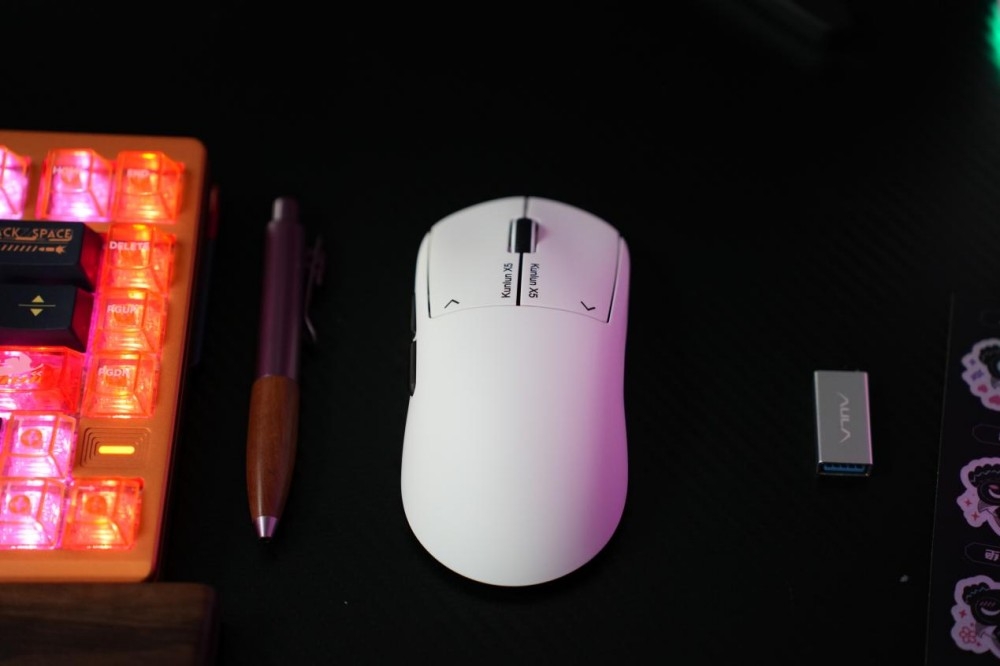
Unlike a monitor or speaker, it moves constantly. Unlike a keyboard, it stays directly beneath your hand. Its shape, surface, movement, clicks, and appearance are experienced every time you sit down. The KUNLUN X5 is designed to complement a modern gaming environment with a clean, performance-focused aesthetic. Place it beside a mechanical keyboard and a large desk mat, and it becomes part of the visual flow. Pair it with a minimalist desk, and its focused design keeps the workspace from feeling cluttered.
For an RGB gaming setup, it can also work naturally alongside other illuminated gaming peripherals. Good desk design is not about adding more. It is about making every piece belong.
Wireless Freedom for a Cleaner Gaming Setup
Cable management is one of those details you may not notice until it starts getting in the way. A wired mouse adds another cable across the desk, competing with the keyboard cable, headset cable, charging cable, and other accessories around the monitor. A wireless gaming mouse removes that permanent connection and gives the desk more visual breathing room.
The KUNLUN X5 is built around AULA's wireless technology and supports tri-mode connectivity, giving users more flexibility when switching between different devices and usage scenarios.
For a modern wireless gaming setup, this means fewer cables on the desk without giving up the responsiveness expected from a dedicated gaming mouse. Less clutter. More space. More freedom.
StellarLink AI Adaptive Frequency Hopping
Wireless performance matters most when you stop thinking about it. The KUNLUN X5 uses AULA's self-developed StellarLink AI Adaptive Frequency Hopping technology. Designed to adapt its frequency strategy to changing wireless conditions, the technology helps maintain a stable wireless connection in environments where multiple wireless signals and devices may be operating at the same time. That is particularly useful for a modern gaming desk filled with wireless peripherals.
Your keyboard connects. Your headset connects. Your mouse connects. The goal is simple: your peripherals should work together while your attention stays on the game. This is one of the key technologies that positions the KUNLUN X5 beyond a basic wireless mouse and into the category of performance-oriented gaming peripherals.
Precision Starts With the Sensor
For a gaming mouse, wireless connectivity is only part of the equation. Sensor performance also plays an important role in how accurately the mouse translates hand movement into on-screen movement. The KUNLUN X5 features the PAW3955 EVO sensor and supports up to 56,000 DPI, providing a wide range of sensitivity settings for different gaming preferences.
High DPI does not automatically make every player faster or more accurate. The real advantage is flexibility.
Players can adjust sensitivity according to their game, display configuration, aiming style, and personal preference. Lower sensitivity can provide more controlled movement, while higher sensitivity can support faster cursor movement with less physical travel. For users building a gaming mouse setup, this flexibility allows the KUNLUN X5 to adapt to different play styles instead of forcing every player into the same configuration.
8K Polling for Fast, Detailed Input
Modern competitive gaming increasingly focuses on how quickly hardware can translate physical input into digital action. The KUNLUN X5 supports 8K polling, giving the mouse a high reporting rate designed for fast and detailed input transmission. For competitive players, this can be particularly relevant in games where rapid mouse movement and precise control are important. Combined with the high-performance sensor and wireless technology, 8K polling gives the KUNLUN X5 a specification profile suited to players who want a high-performance gaming mouse rather than a basic desktop pointing device.
A Click That Adds Character
There is something uniquely satisfying about a mouse click. It is a small interaction, but it happens constantly: during a match, while navigating menus, browsing the web, editing a project, or simply moving around the desktop. The KUNLUN X5 introduces AULA's SSHS — StellarLink Stepping Haptic System, a self-developed electromagnetic micro-switch technology designed to refine the relationship between each click and the tactile feedback beneath your finger. It is not only about how quickly a button responds. It is also about how the click feels. When a mouse becomes part of your everyday gaming setup, these small interactions can make a noticeable difference to the overall experience.
From Competitive Gaming to Everyday Work
A good gaming mouse does not need to stop being useful when the game ends. After the final match, the KUNLUN X5 remains on the desk. It can be used for browsing, photo editing, office work, creative projects, or simply controlling music while you decide what to play next.
This is where a gaming desk setup becomes something more personal.
Your desk can be a workspace in the morning, a creative corner in the afternoon, and a gaming station at night.
One desk.
Different moments.
One mouse that moves between them.
A Gaming Mouse for Different Setup Styles
There is no universal formula for the perfect gaming desk. Some players prefer a clean monochrome setup. Others build around RGB lighting and expressive colors. Some combine mechanical keyboards, large mouse pads, gaming headsets, speakers, figures, and other desk accessories to create a more personalized environment.
The important thing is not to copy another player's setup. It is to create a space that works for you.
The KUNLUN X5 is designed to fit into that idea. Its wireless design helps keep the desk clean, while its performance-oriented specifications give it the capabilities expected from a modern wireless gaming mouse. It can become part of a competitive gaming station, a minimalist desk, or an everyday hybrid workspace.
Why the KUNLUN X5 Fits a Modern Gaming Setup
When choosing a gaming mouse, specifications should be considered together rather than individually.
The KUNLUN X5 brings several key technologies into one product:
Feature
KUNLUN X5
Product Type | Wireless Gaming Mouse |
Connectivity | Tri-Mode |
Sensor | PAW3955 EVO |
Maximum DPI | Up to 56,000 DPI |
Polling Rate | Up to 8K |
Wireless Technology | StellarLink AI Adaptive Frequency Hopping |
Click Technology | SSHS Electromagnetic Micro-Switch |
Primary Use | Gaming, Work, Everyday Desktop |
This combination makes the KUNLUN X5 more than another accessory on the desk. It is a gaming peripheral designed around the way modern players actually use their setups.
Build Your Gaming Setup Around What You Love
The best gaming setup is not necessarily the one with the most expensive hardware.
It is the one where every component has a purpose.
A monitor gives you the view. A keyboard gives you control. A headset creates the soundscape. A desk mat defines the working area. And a gaming mouse becomes the connection between your hand and the game. The AULA KUNLUN X5 brings wireless freedom, high-resolution sensor performance, 8K polling, tri-mode connectivity, and AULA's self-developed haptic and wireless technologies into a mouse designed for modern gaming desks.
For players who want a cleaner wireless gaming setup, more flexible control, and a gaming peripheral that looks as good as it performs, the KUNLUN X5 is built to fit naturally into the experience.
Your Setup. Your Style. Your Passion.
A mouse may be smaller than a monitor or keyboard, but it has one of the closest relationships with the player.
It moves with you.
It responds to you.
You feel every click.
You use it every day.
The AULA KUNLUN X5 wireless gaming mouse brings performance, wireless freedom, and distinctive design together in one gaming peripheral—giving your gaming desk setup another piece that feels genuinely yours.
Because the perfect gaming setup is not necessarily the one with the most gear.
It is the one that feels like yours.
KUNLUN X5 — Move Your Way. Build Your Space.
AULA — Fuel Your Passion.