
We’ve received valuable feedback from users in Brazil, and we want to address some common concerns regarding the availability and support of Brazilian Portuguese (ABNT2) keyboards. Here’s a quick clarification on the matter:
In addition to US English layouts, we are proud to offer Brazilian Portuguese (ABNT2) keyboard layouts as part of our official product line.
We also provide other regional layouts, including:
Brazilian Portuguese (ABNT2)
European layouts
Various other regional layouts
These keyboards are fully supported with drivers and firmware for all models, including the popular F75, F87, and F99. So rest assured, Brazilian Portuguese users are well-supported across our range of keyboards.
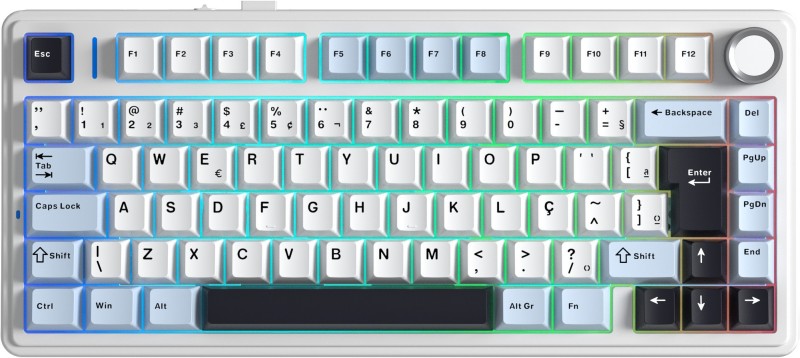
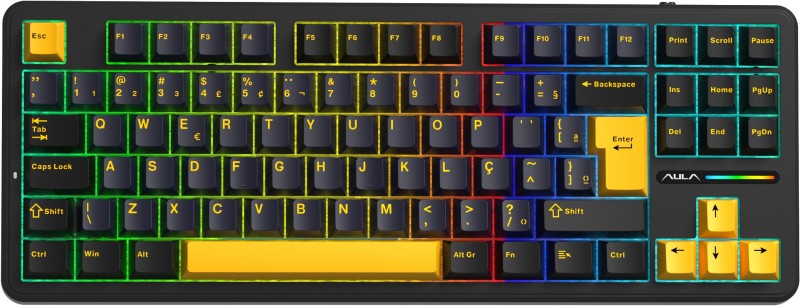
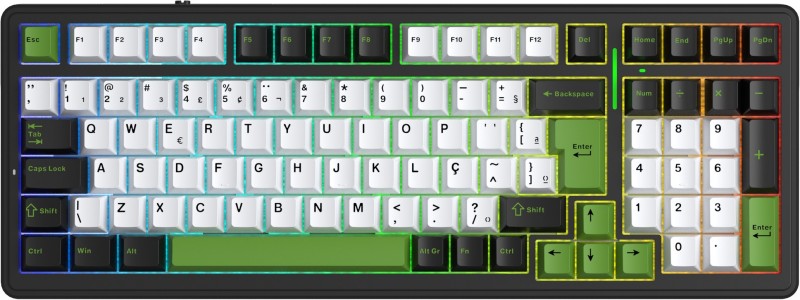
To ensure you are using the correct software for your keyboard, always download drivers and firmware directly from our official website.
On the download page, you will notice two types of files available for download:
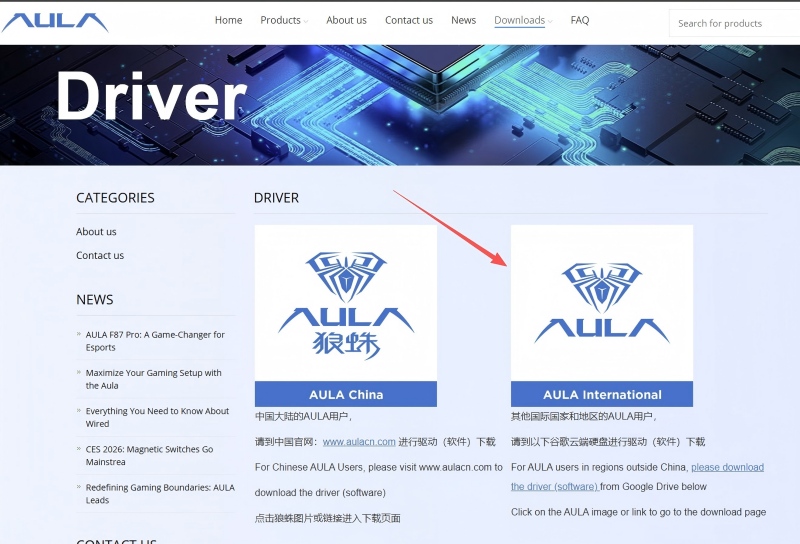
These files are used to customize your keyboard’s functions, including:
Lighting effects
Key remapping
Macro functions
Personal settings
These driver files allow you to personalize your keyboard experience to suit your needs.
These are firmware reset files. You’ll use these in cases like:
The keyboard isn’t responding correctly
Your device is not recognized by your computer
The keyboard is outputting incorrect characters
The layout isn’t matching the expected input (e.g., typing in the wrong language layout)
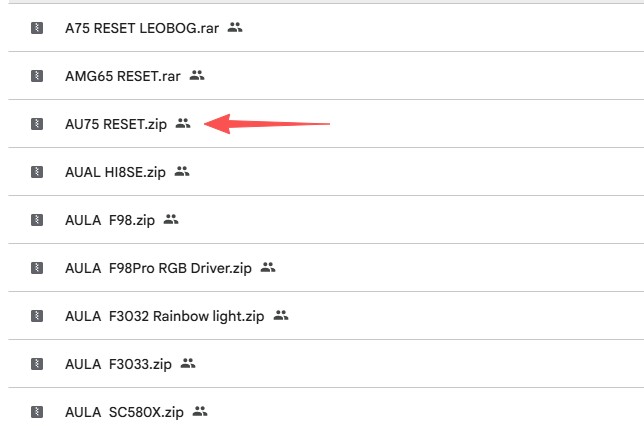
For example:
If your Brazilian Portuguese (ABNT2) keyboard is typing in an English layout, you can reflash the corresponding Brazilian Portuguese firmware for your model. This will restore the correct layout and factory settings.
Always ensure that the firmware file you are downloading matches your keyboard model to avoid any potential issues. This step is crucial for maintaining the full functionality and performance of your keyboard.
If you have any questions or run into any issues, please don’t hesitate to reach out to us through our official support channels. Our team is committed to providing the best possible experience for users in Brazil and ensuring that your keyboard works perfectly.